Installation
Prerequisites
When installing and using Brickhouse, you’ll need:
To see your installed version of PHP, open a terminal and run the following command. You should see version number on the first line:
$ php --versionPHP 8.4.1 (cli) (built: Nov 20 2024 09:48:35) (NTS)Creating an application
When you have installed PHP and Composer, you can install the Brickhouse installer. This makes creating a new application much simpler:
composer global require brickhouse/installerAfter you have installed PHP, Composer and the Brickhouse Installer, you can create a new Brickhouse application. For this, you can use Composer to create a new application:
brickhouse new example-appAfter your new application has been created, you can go into it’s directory:
cd example-app/Serving the application
Before going too deep, let’s start the application. In your terminal, run the following command:
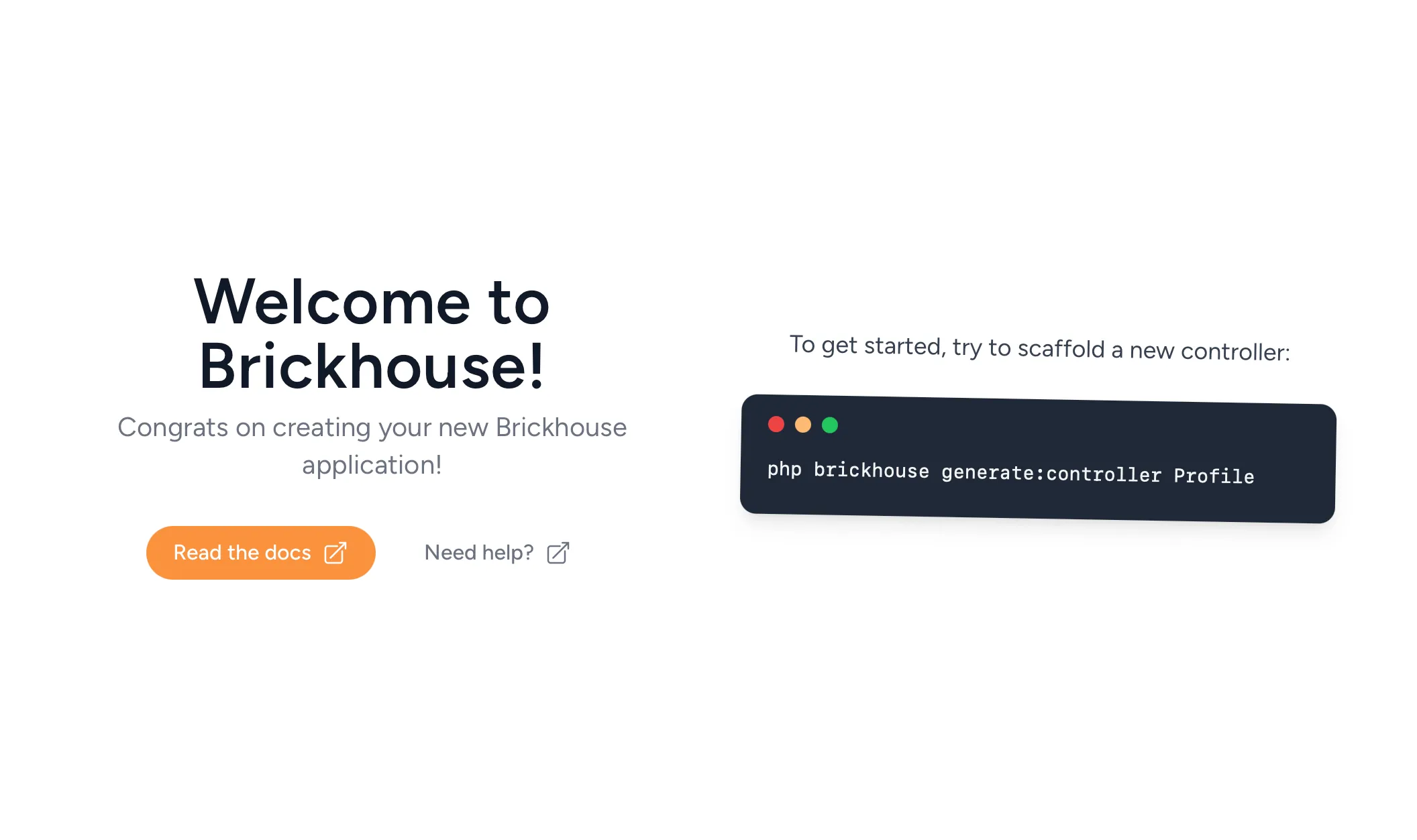
php brickhouse serveThis will start the development server which will serve our application. To view your application, open http://localhost:8000 in your browser. You should see something similar to this:
To stop the server again, press Ctrl-C in your terminal.